


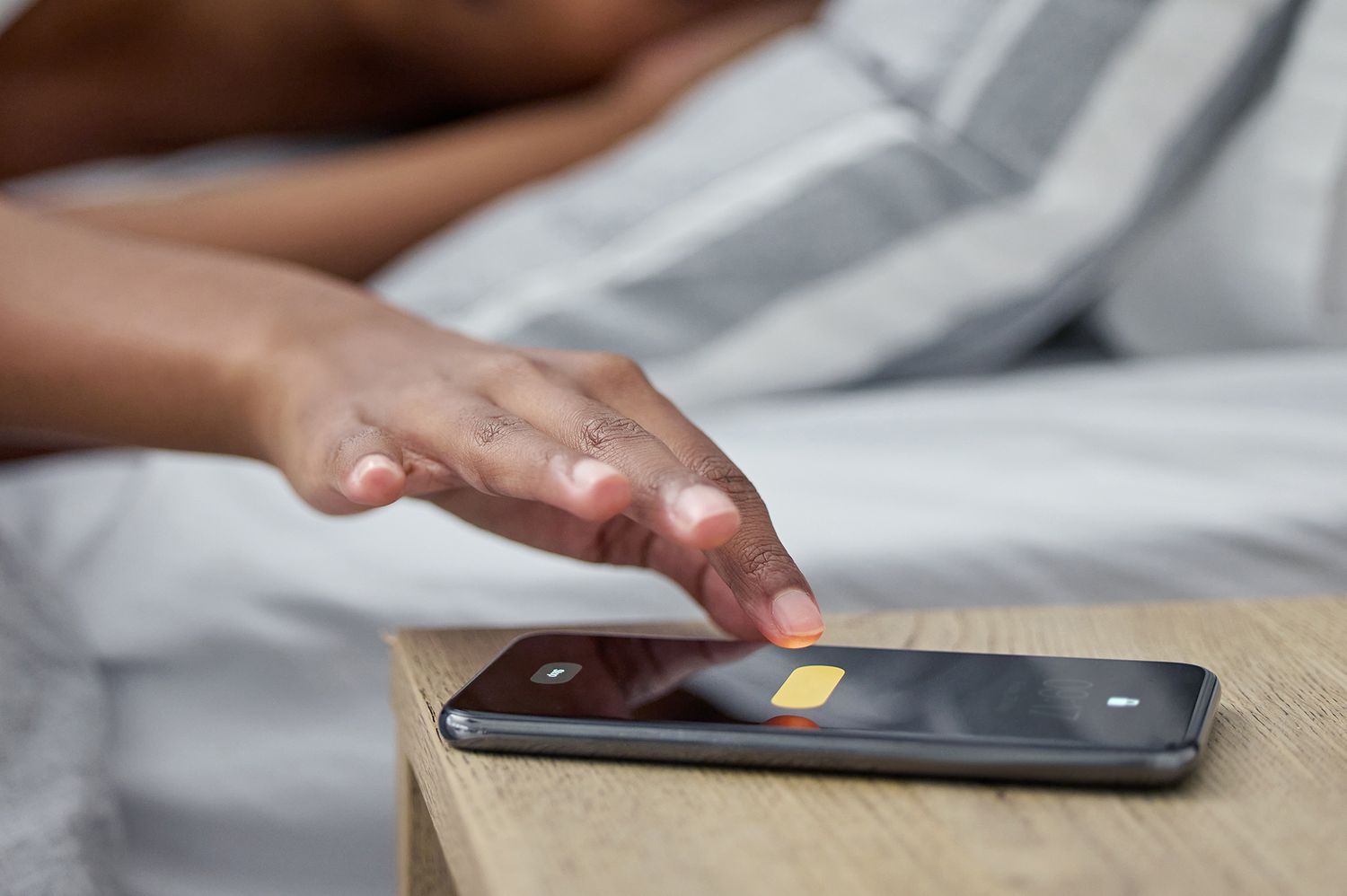
After a popular vlogger missed an early morning flight, social media is ablaze with tales of silent alarms.
“I would like to make a PSA. I missed my original flight to Chicago this morning because I set an alarm on my iPhone in the alarm app from Apple and it went off, but silently,” said Brett Chody. “I woke up at 6:30 a.m. on my own—my flight had taken off. I picked up my phone and it said ‘alarm going off’ but it was dead silent.”
Luckily, Chody was able to book a later flight, but the lifestyle vlogger was dismayed to realize how common her situation was when her Instagram followers reacted to the unfortunate saga: “I think 100 people swiped up and were like, ‘This happened to me, I missed an exam, I missed a shift, I missed my first day of work. It’s been happening to me so much on my iPhone,’” she said on TikTok.
The video now has over 2.2 million views and 210,000 likes, with many users commiserating in the comments. “I knew I wasn’t crazy,” one user said, garnering over 16,000 likes.
Before you panic, there are a few steps you can take to make sure you won’t miss your flight to that big trip. First of all, check your “Attention Aware Features” setting, which seems to be the most likely culprit behind the missing alarms.
According to Apple, turning on “Attention Aware Features” does two things: lowers the volume of alerts and stops the iPhone’s screen from dimming. The key here is that these two functions will only be performed when you’re looking at your phone. Once you look away, your screen will start dimming and the volume of your alerts will go back to normal.
Although it’s meant to be a helpful feature, commenters on Chody’s posts and Reddit discussions have theorized that the volume feature can inadvertently be triggered if you happen to face your phone while in bed or look at it when the alarm starts ringing.
There are two places you should check to ensure Attention Aware Features are turned off. To start, go into “Settings,” then tap on the “Accessibility” tab. Next, scroll down to the “Physical and Motor” section, where you’ll see a green button for “Face ID & Attention.” Tap into the category and make sure “Attention Aware Features” are toggled off.
Back in your main settings display, go to F”ace ID & Passcode,” where you’ll find another control button for “Attention Aware Features.”
To be extra safe, go into your “Sounds & Haptics “settings to see if your volume for “Ringtones” and “Alerts” is at the proper level.
If you’re still stressing out about missing your plane, another precaution is leaving your phone face down when you go to sleep. And there’s always getting an alternative type of alarm clock, like a sunrise clock or a good old-fashioned display clock.
Read the full article here